Skip to Content
Sale
Sale
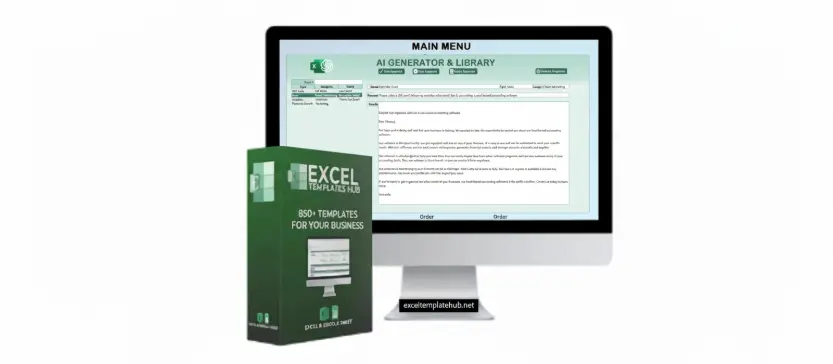
AI GENERATOR & LIBRARY

AI GENERATOR & LIBRARY

View Dashboard

AI-Powered Content Generation

šŸ¤–ChatGPTĀ andĀ ExcelĀ can be combined to create anĀ AI generatorĀ andĀ libraryĀ for automatically generating responses, classifying answers, and storing them in Excel for easy access and searching.

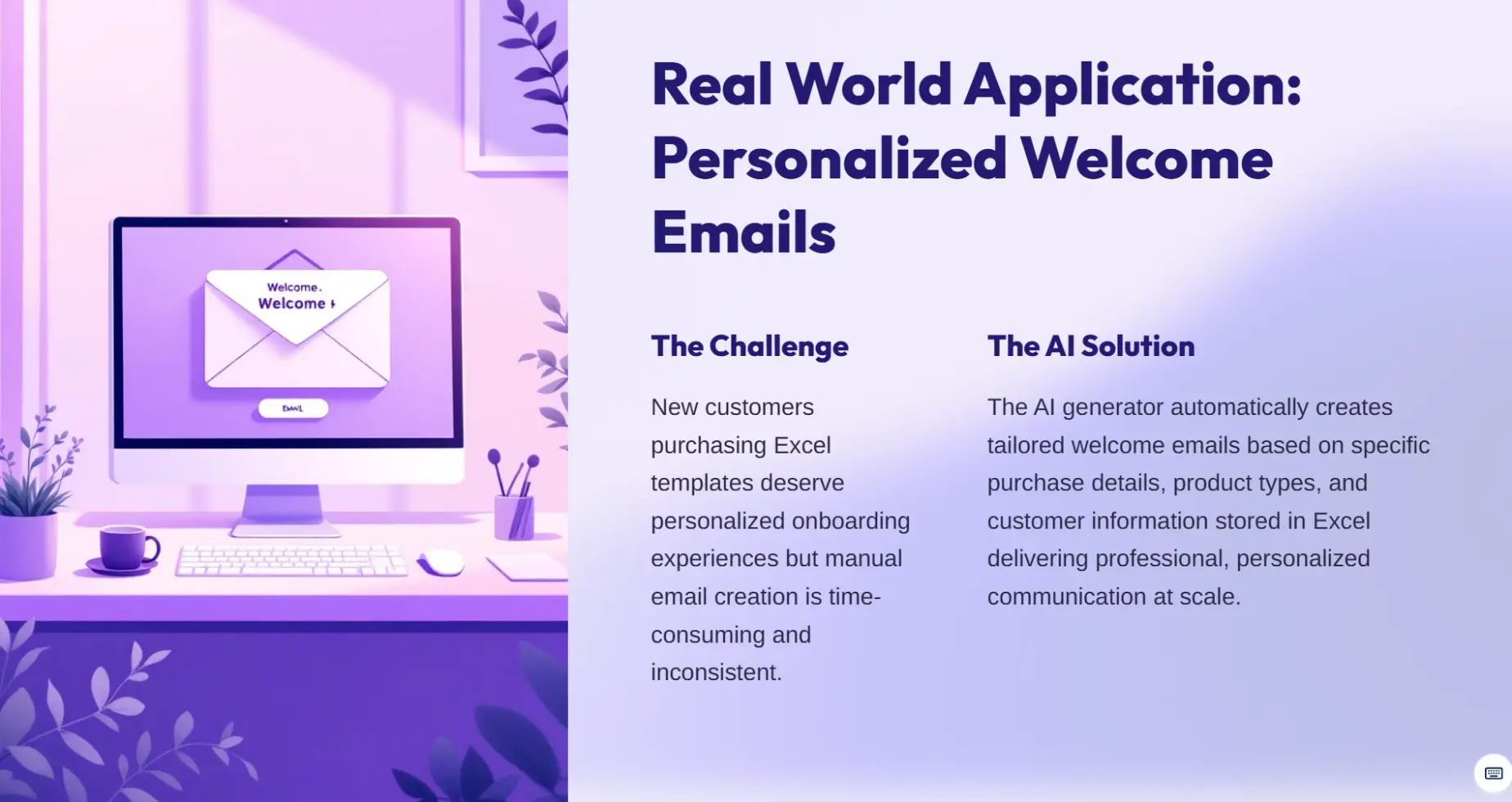
šŸ”The AI generator can produceĀ personalized welcome emailsĀ for new customers who purchase Excel template products, based on their specific purchase details.

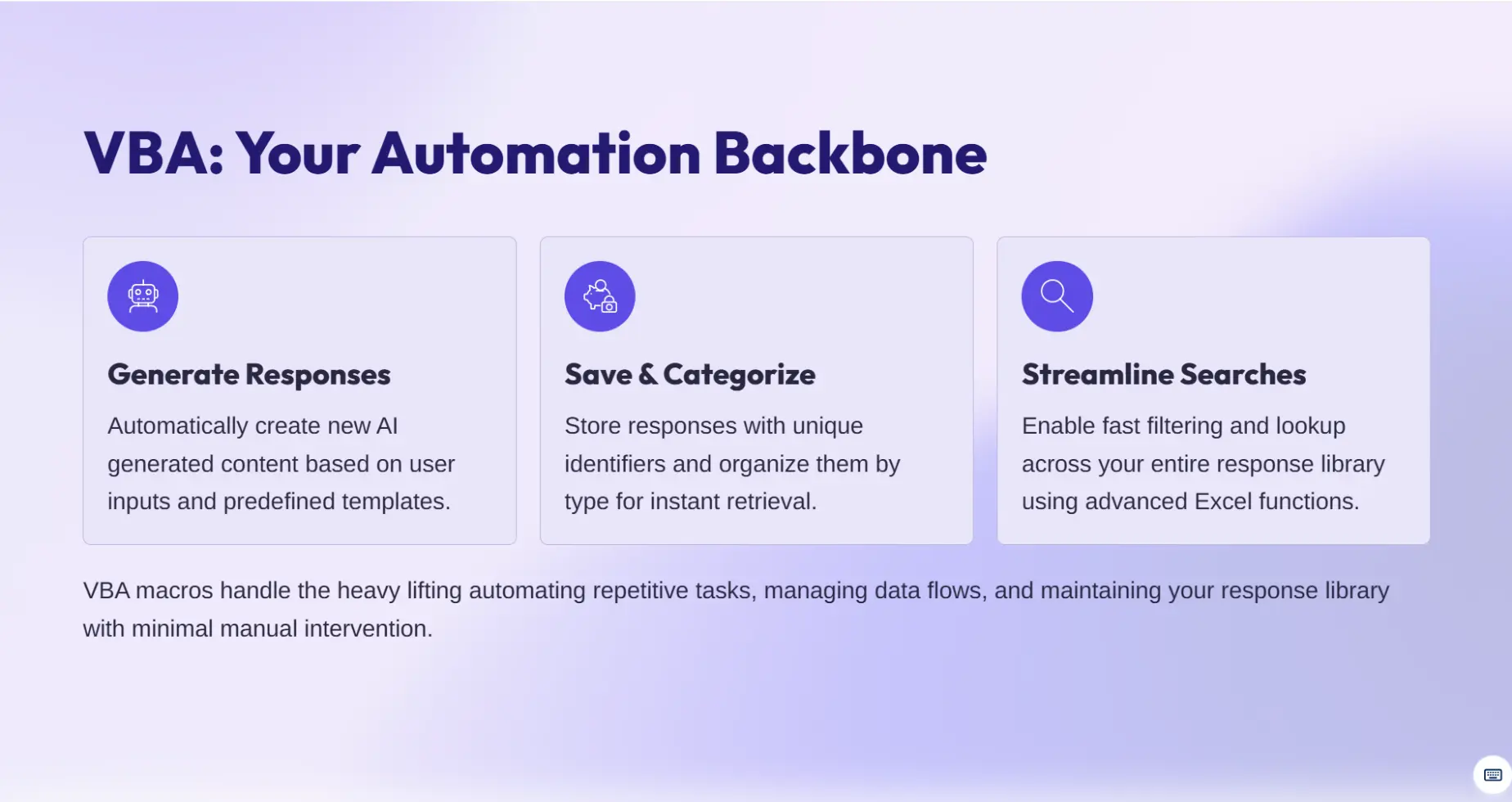
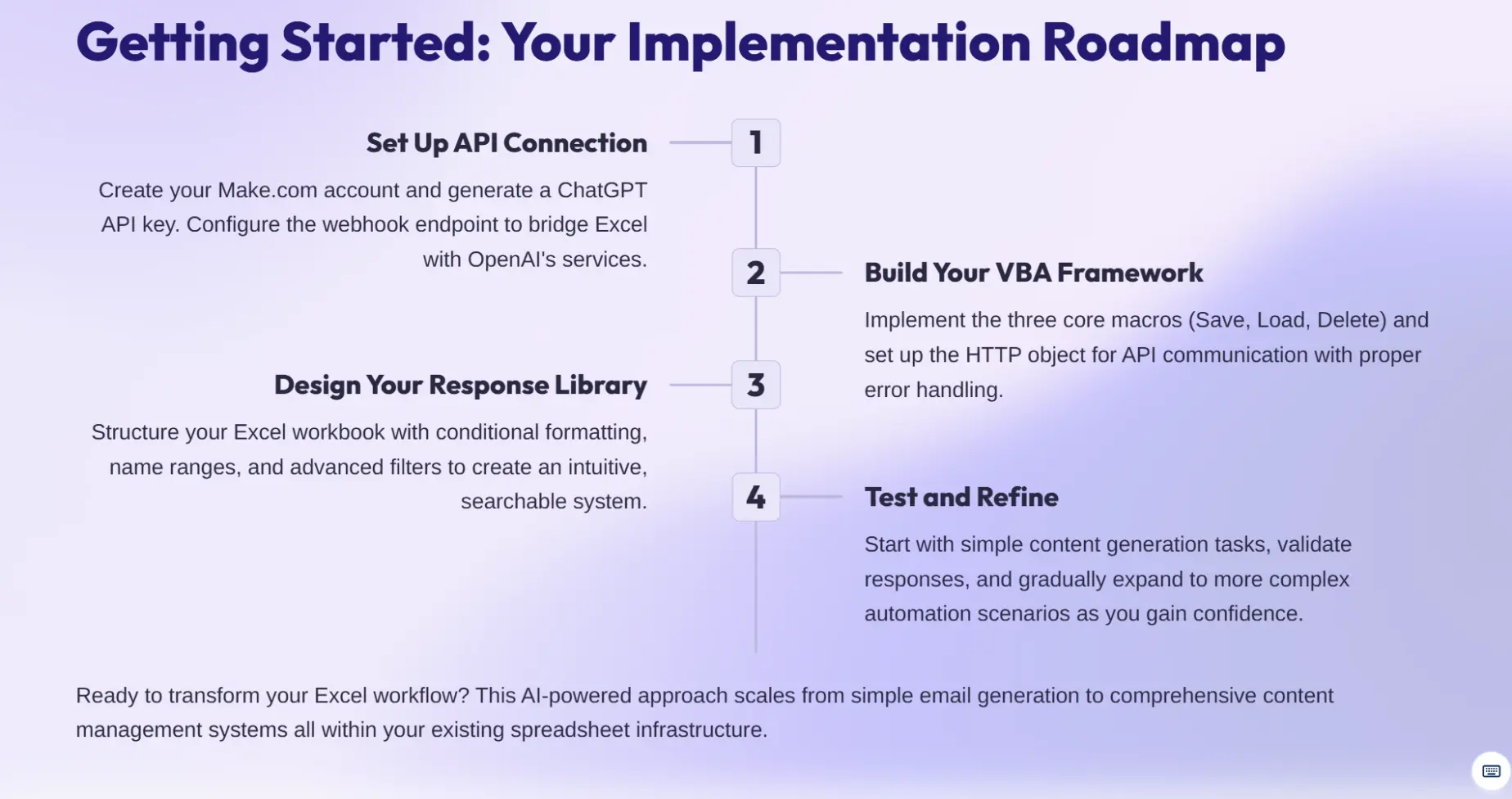
šŸ“ŠVBA codeĀ automates tasks in Excel, such as creating new responses, saving them, and categorizing them, streamlining the management and search process for the response library.

Advanced Excel Techniques

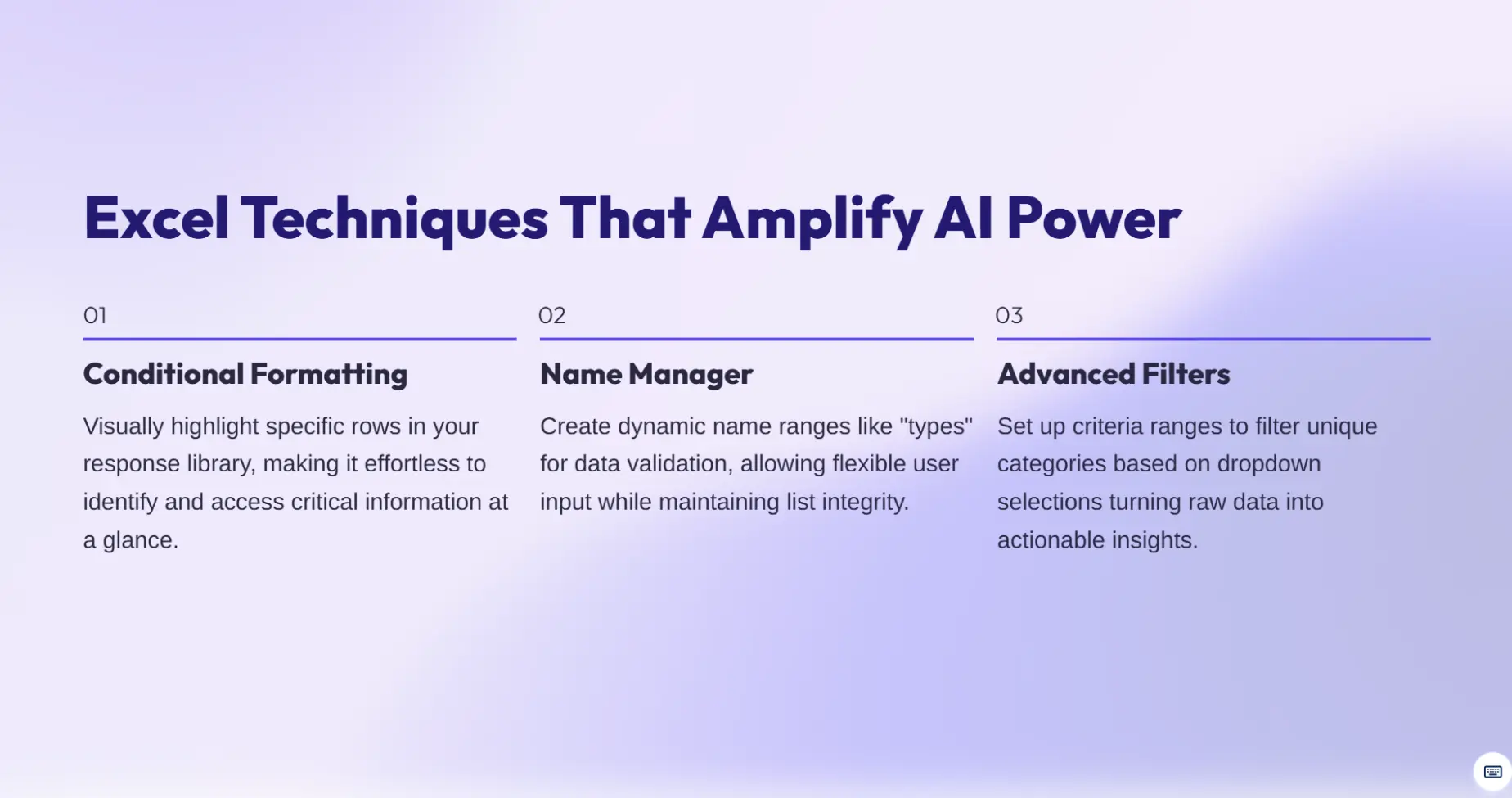
šŸŽØConditional formattingĀ highlights specific rows in the response library, enhancing identification and access to desired information.

šŸ“‹TheĀ Name ManagerĀ creates aĀ name rangeĀ called "types" for unique types in data validation settings, allowing users to enter any value, even if not in the list.

Automation and API Integration

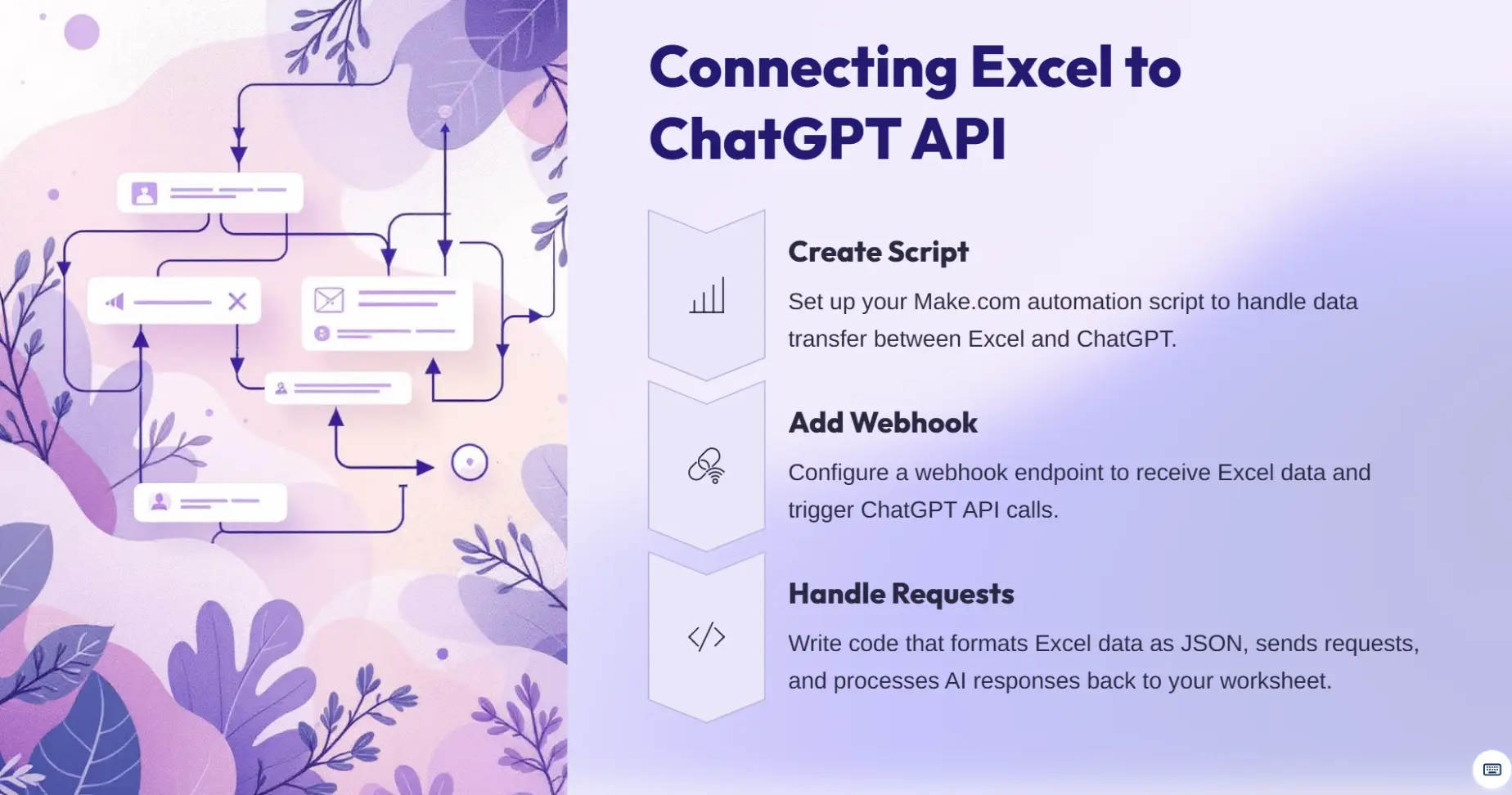
šŸ”—Create a script that sends information from Excel to theĀ ChatGPT API, retrieves responses, and returns them to Excel inĀ three steps: create a script, add a webhook, and write code for request/response handling.

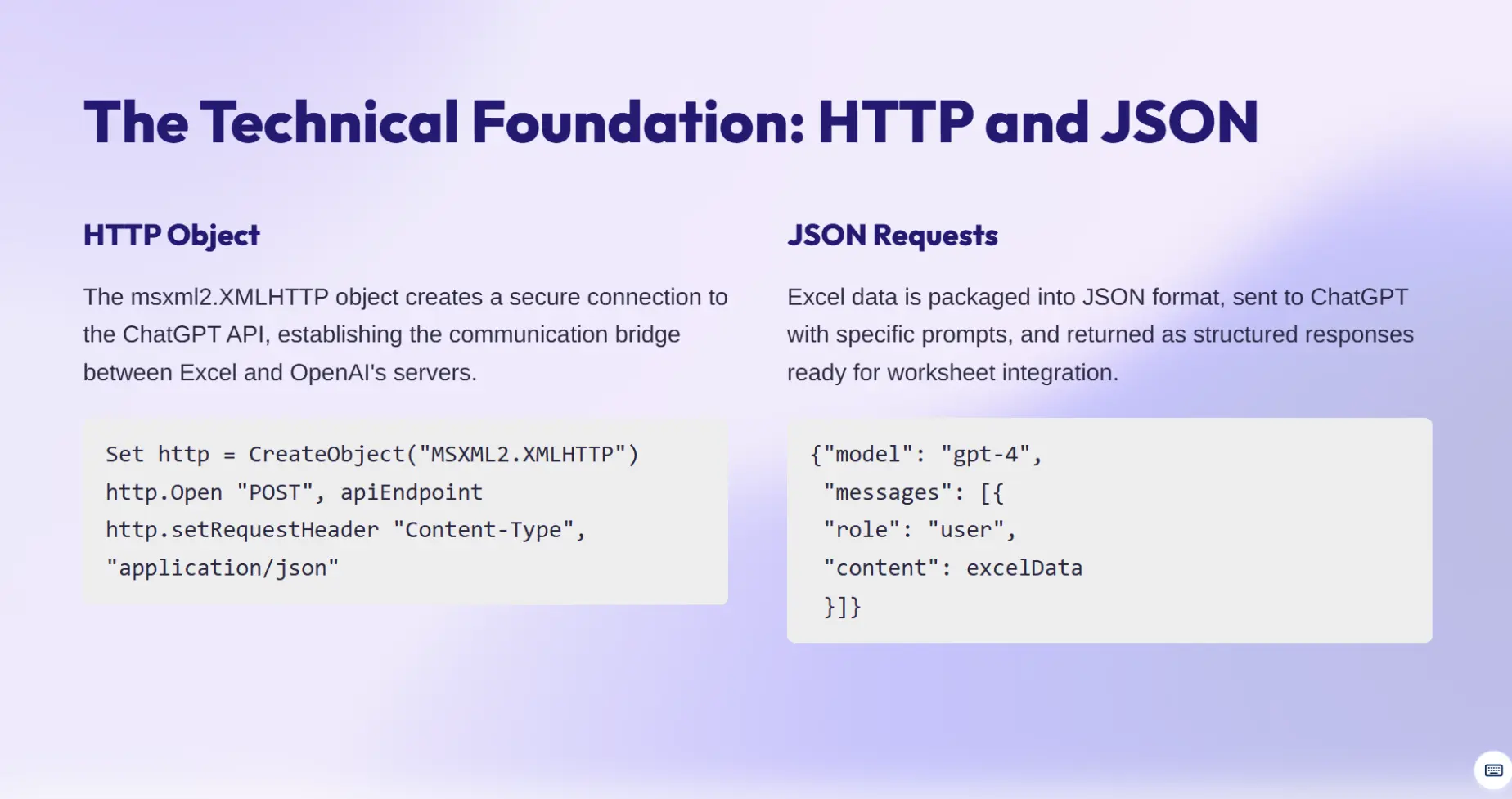
🌐The HTTP object (msxml2.XMLHTTP) is used to create a connection to the ChatGPT API, set the endpoint URL, and send JSON requests with Excel data to generate AI content.

Data Management and Macros

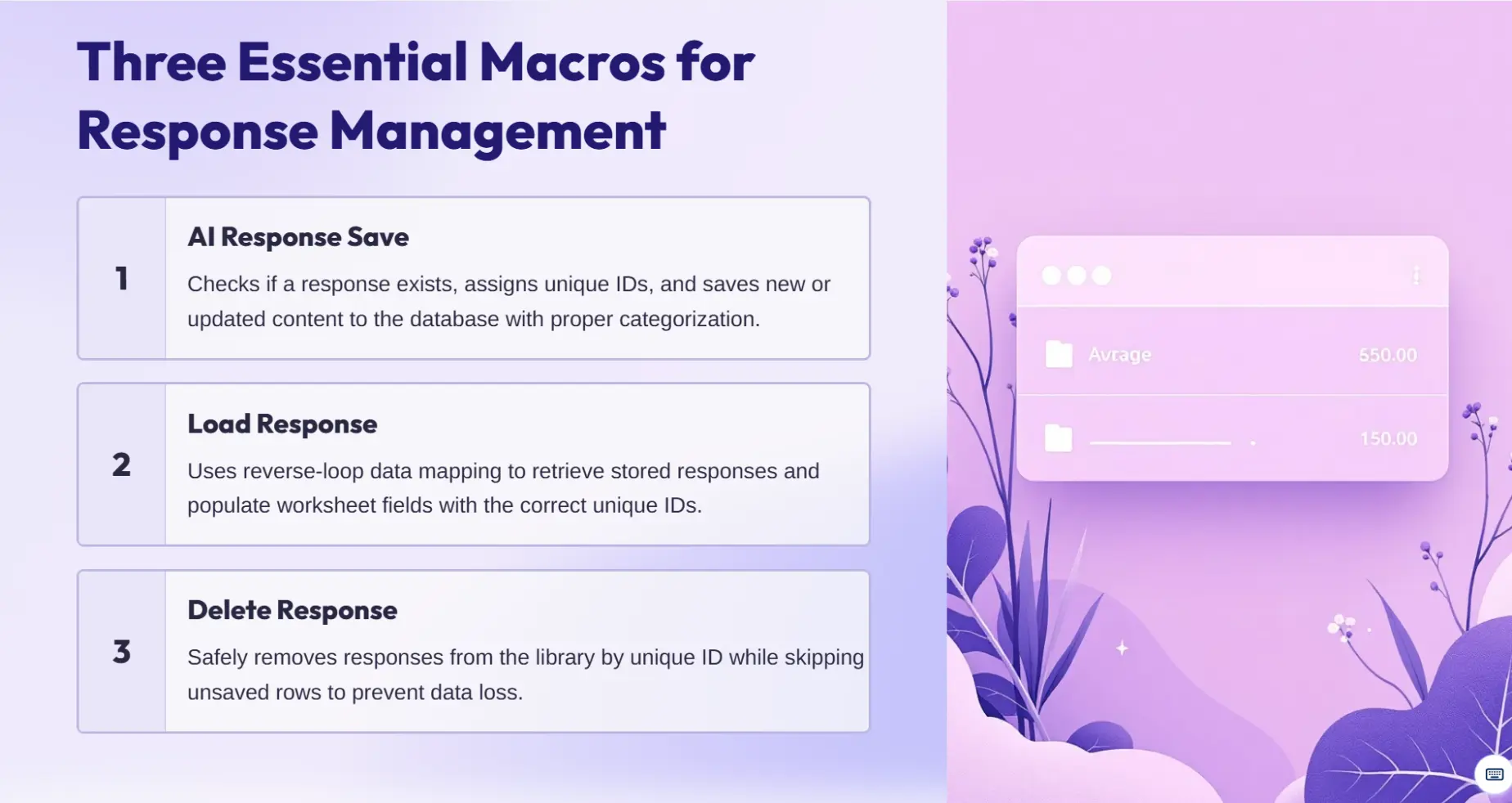
šŸ’¾TheĀ AI Response SaveĀ macro checks if a response is new or existing, extracts the row from the response list if existing, and saves the response to the database with aĀ unique ID.

šŸ“¤TheĀ Load ResponseĀ macro uses a reverse loop through data mapping to bring responses into the model and upload them to the worksheet with unique IDs and response rows.

šŸ—‘ļøTheĀ Delete ResponseĀ macro skips unsaved rows and removes responses from the response list using unique IDs.

Practical Applications

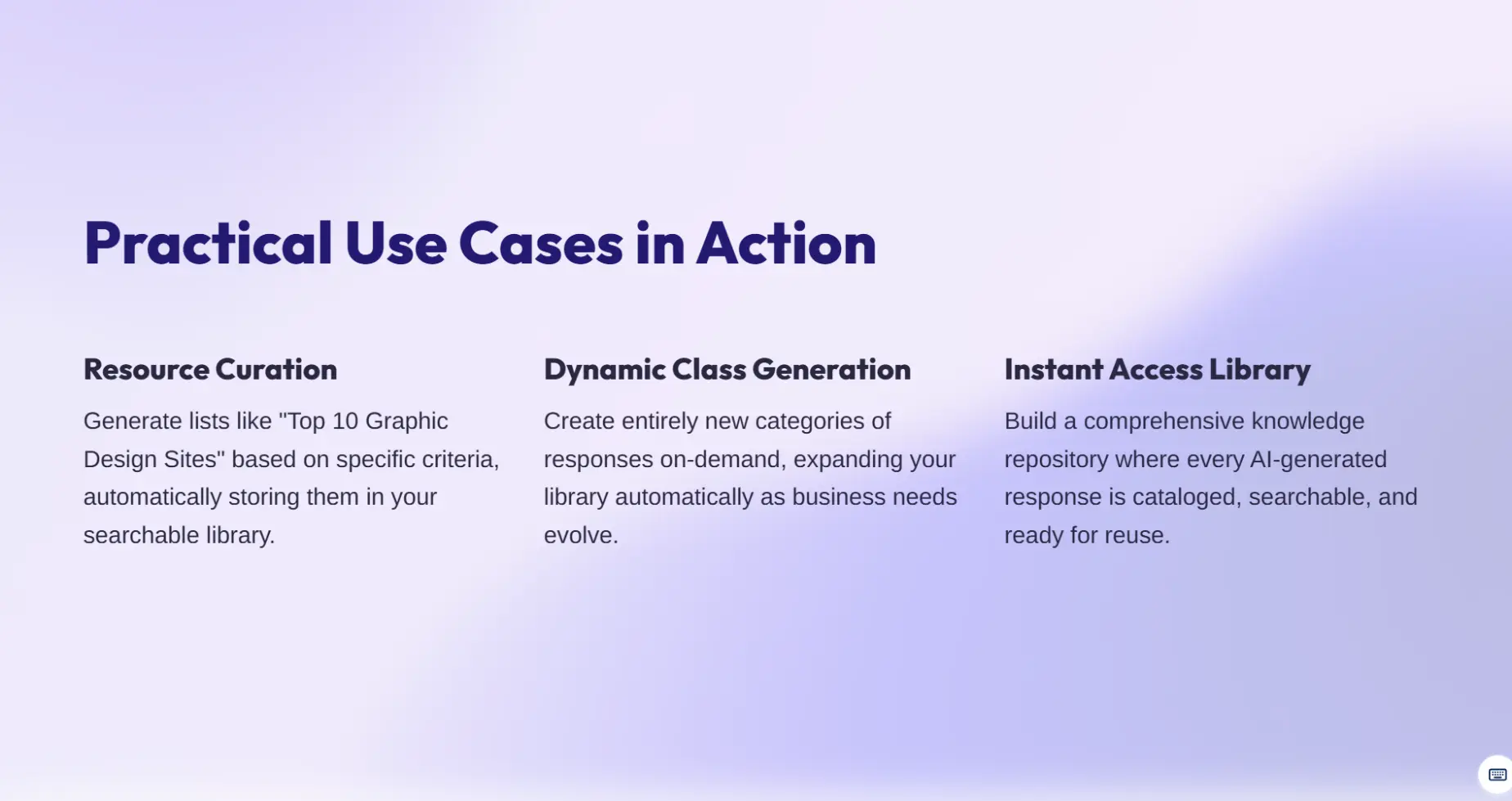
šŸ“ˆAI generators can createĀ lists of top resourcesĀ (e.g., top 10 graphic design sites) based on user requests, storing them in the library for easy access.

šŸ†•The system can generateĀ brand new classesĀ of responses automatically, based on user requests, and store them in the library.

šŸ”To use the ChatGPT API in Excel, create aĀ new connectionĀ using the Make.com API, then use the HTTP object to send JSON requests with Excel data and receive responses for AI content generation.

Price
$Ā 29.00 $Ā 29.00 (Tax excluded)

Terms and Conditions
30 day money back guarantee
Instant Email Delivery Within 5 Minutes
• Instant Access • Secure Payment & Privacy • 30 Day Money Back Guarantee

You may also like

Your Dynamic Snippet will be displayed here... This message is displayed because you did not provide enough options to retrieve its content.

Frequently asked questions


After payment, you get instant access! Get your compatible Excel file. xlsx files through email delivery, instant download, and lifelong account access for an infinite number of downloads.

Absolutely! Each template is made to be fully customisable:

• Adaptable Formulas: Edit computations and functions as necessary
• Flexible Structure: Add or remove rows, columns, and sections
• Brand Customisation: Include your logos and brand colours
• Complete Editing Freedom: Change text, colours, layouts, and designs
No advanced skills required!   All levels of experience can use our templates:

• Beginner Friendly: No complicated setup is required; just plug and play.
• Detailed Instructions: Each template comes with step-by-step instructions.
• Video Tutorials: View and learn from in-depth demonstrations.

• Pre-Built Formulas: Allow for instantaneous automated computations.